Project folder or app/?
The location depends on how you started. Choose the situation that matches your project.
app/.your-project/
├── craft.json
├── app/ ← your app code
├── capture/
├── reference/
├── checks/
├── investigation.cany/
└── inbox/Open the app inside the project
Look for the generated app’s own files and run instructions inside app/. Starting material stays beside that folder.
your-existing-app/
├── your app’s files ← code here
├── craft.json
├── capture/
├── reference/
├── checks/
├── investigation.cany/
└── inbox/Use the folder you selected
When you choose to edit the existing app, the builder works in that folder. A missing app/ folder is normal in this mode.
Start from the project view
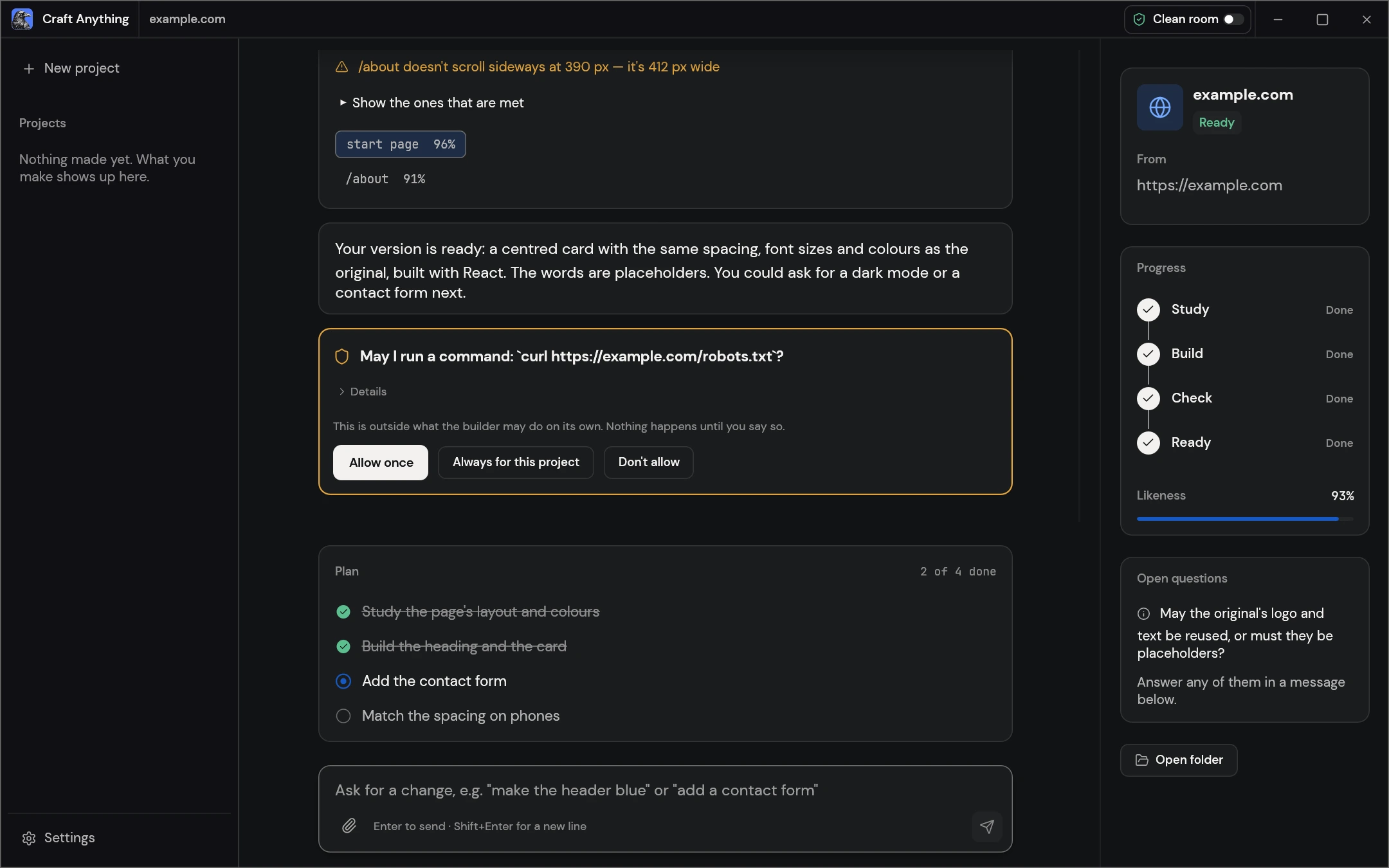
- Open the project in Craft Anything and select Open folder.
- Find
craft.json. It identifies the project records; it is not the generated app. - Use the layout above to find the code. Read that app’s run instructions before starting it.
Documents/Craft AnythingNew projects use this location unless you change it in Settings → General or choose another folder.What does each part contain?
Choose a part of the project to see what it tells you and what to do next.
app/ or the selected app folder
This contains the implementation. The file types depend on the language and framework requested.
craft.json and build-activity.log
The manifest records the request, target, status and history. The activity log records run activity; an earlier log can be kept as build-activity.old.log.
capture/ and reference/
capture/ holds recorded target observations. reference/ holds pictures of the original that you add. A new website study can replace the capture.
checks/
This holds comparisons against the target, organized by round. The comparison answers a different question from a working search field or game control.
investigation.cany/
The investigation keeps evidence, memory and a journal. It is separate from the generated app.
inbox/
This holds open questions and approval requests.
Keep a complete working copy
Keep the app and the context needed to continue. Before editing existing code, make a separate copy of the folder you plan to change.
Choose the next check
| What you found | What to do |
|---|---|
| Records exist, but no app code | Read the activity and pending questions. Use missing-file checks. |
| Code exists, but you cannot run it | Read the app’s instructions and keep the exact startup error in a downloadable problem note. |
| The app opens, but an action fails | Record the action, expected result and actual result. Follow the focused revision checks. |
File-map sources and version
File locations follow the v0.3.0 README and workspace source, checked November 5, 2026. The diagrams are made for this guide. See how the guides are prepared.